Thoughts6 min read
Why I wrote my own AI harness
Claude Desktop updates kept breaking my scheduled automations, so I wrote a small agent harness I can read end to end, isolate with Docker and run anywhere.
I used to run my scheduled automations on Claude Desktop. It worked until an update changed something, and then a job I relied on stopped doing what it had done the day before. That happened more than once.
Some of those jobs matter to me, and anything that matters can't be that fragile. So I wrote MechaGremlin, a small harness of my own. A harness is the code around the model: the loop that calls it, the tools it can use, and whatever starts it at seven in the morning.
What I wanted most was stability. If I write it and don't change it, it stays the same. There were ready-made options, and I looked at them first, so this is mostly an account of why I reinvented this wheel anyway.
Why not Hermes
Hermes is too complex for simple automations. My jobs look like "read these files at 7am, check one website, write a report". Most of what Hermes does beyond that I either don't need or actively don't want running next to my data, and I would have to learn all of it just to switch it off.
Why not OpenClaw
OpenClaw has the same problem: it is too big, with too many features I don't want. It also moves fast. That is healthy for the project, but for me it brings back the Claude Desktop problem from another vendor.
The obvious answer is to pin a version and never upgrade. I don't think that holds up, for two reasons:
- A frozen version stops getting security fixes. That matters for an agent that has a shell and my credentials.
- Model APIs keep moving. Models are retired and request formats change, so eventually I would have to patch the frozen version myself. At that point I am maintaining a large codebase I didn't write.
If I end up maintaining a harness either way, I would rather it be a small one I wrote.
Why not build on OpenCode
Many projects take the core of OpenCode and build on that. OpenCode is an amazing coding agent, and its core was built to support one. I'm not building a coding agent.
The difference shows in the architecture. OpenCode spawns a server, which is right for a coding agent: a terminal, an editor and a desktop app can all attach to the same session. It is wrong for a process that should start, do its job and stop.

Small enough to read
I could never audit OpenClaw. It is too big and too complex, and the features I would never use are still code running with my permissions. Any of them could hide a security hole.

MechaGremlin is small enough to read end to end. Small doesn't mean secure, and I'm sure it has bugs. It does mean auditable: I can know what it does, and so can anyone else who cares to check. The guarantee comes from combining that with isolation, which I'll get to.
Layers that don't know about each other
The harness is a few simple layers, assembled in code rather than through a framework's configuration:
- Model calls. One request to one provider.
- The agent loop. Call the model, run the tools it asks for, repeat until it answers.
- Tools and skills. A shell, file tools, MCP servers and skill folders.
- History and scheduling. What the session remembers, and what starts it.
The scheduler is the clearest example. It is written in Rust and it is essentially cron. It runs commands, sets environment variables and reads a TOML file that looks a lot like a crontab:
command = ["/path/to/bun", "packages/agent/src/main/main.ts"]
timeout = "1h"

[[job]]
name = "daily-summary"
schedule = "0 7 * * *"
args = ["tasks/daily-summary.md"]
env = { MODEL = "a-cheap-model" }It knows nothing about agents. It could schedule a backup script just as well. That means a change to the agent layer can't break scheduling, which is exactly the failure I started with.
Rust also keeps it light. The scheduler has to stay resident to watch the clock, and the binary idles at about 2 MB. When I measured a Bun process kept alive for the same job, it held somewhere between 30 and 70 MB more.
The other choice worth mentioning is that provider features are exposed as they are, not cut down to a lowest common denominator. Claude's prompt caching and each provider's reasoning settings are there to be used. The price is that a setting can be wrong for the provider you picked, so a Zod schema checks the configuration when it loads. A mismatch fails at startup, before any request is sent.
Isolation is just Docker
The agent has no permission system. Its shell and file tools can reach whatever the account running it can reach. I didn't build a sandbox of my own, because it would probably fail in ways I wouldn't notice. When a task needs a boundary, the boundary is a container, and the mounted volumes decide what the agent can touch.
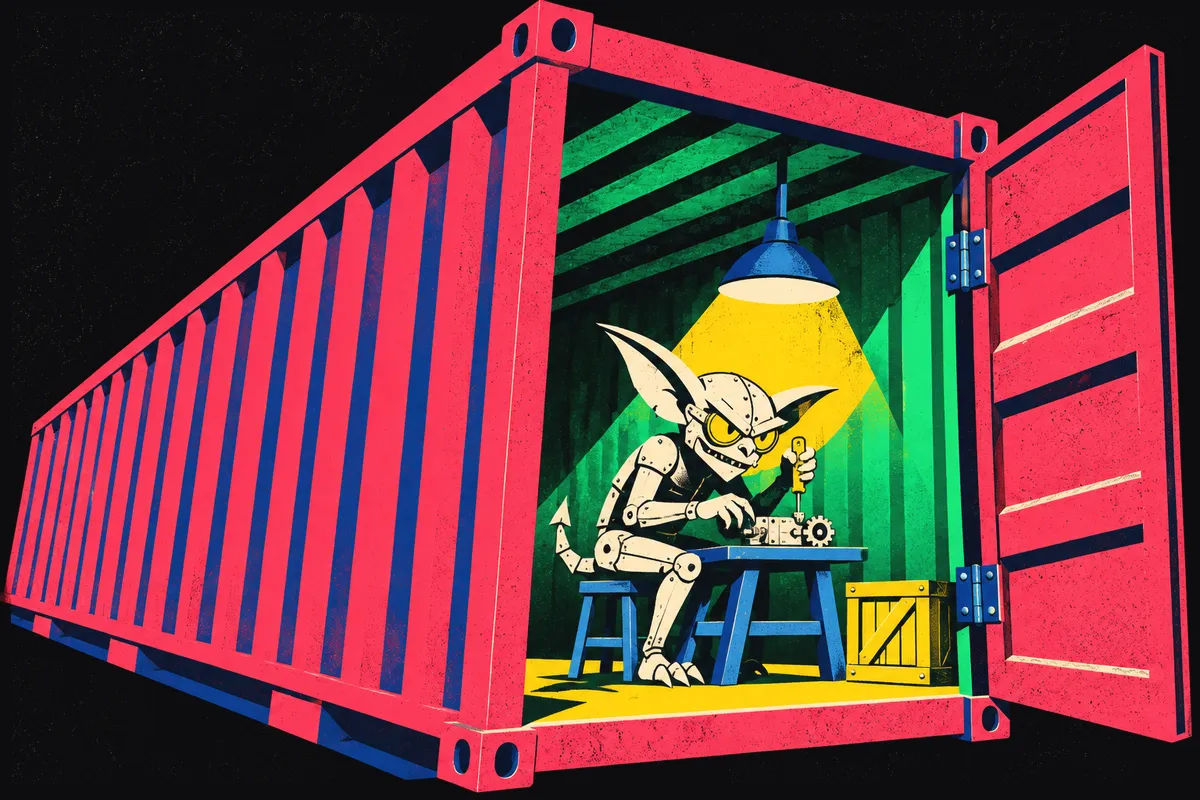
Docker is not a hard boundary. Containers share the host's kernel, so a kernel bug can let something out, and a VM is stronger. What makes it good enough for me is what goes in: a task gets the minimal mounts it needs and its own secrets, and nothing else is there to steal.
Each task runs where it belongs
Because the scheduler only runs commands, a task can run in a container, in a VM or in the cloud. To the scheduler those are just different commands. I split tasks along two lines: how sensitive the data is, and how much compute the task needs.
Stays on hardware I control, however small the job.
Can go to the cloud, with its own API key and a tight spending limit.
Other solutions put everything on one machine, or behind a central management console. A central console is convenient, and it is also one step away from being fully owned: whoever gets into it gets every task, every credential and every machine it manages.
With separate tasks in separate places, compromising one task costs one task. A cloud task that goes wrong can burn through its own spending limit and nothing more.
I choose whom to trust
Every task sends its data somewhere. With my own harness I decide where, task by task: Anthropic for one, AWS, Microsoft or Google for another, and a model on my own machine for the ones where the answer is nobody. Anthropic doesn't make that choice for me, and neither does any other vendor.

The cheapest model that can do the job
Not being tied to one provider also means I can mix and match on price. Each task gets the cheapest model that can actually do it. Routine work goes to cheap or local models, and frontier models are kept for the tasks that need them. I wrote more about where the money goes in Understanding AI costs.

Claude Desktop made the decisions for me, updates included, and they broke things. Now I make them.
Related reading